Talking Pet AI
Give your pet's photo expressive, commentary-style motion — free to try, no card required. Reaction faces and stage energy, not audio lip-sync.
A dependable starting point for most photo-to-video clips.
Wan 2.5 · 5s · 720p ·Limited launch credit pricing
Optional — selecting a template uses its built-in prompt automatically.
Use template
Sample styles
How it works
Upload a clear face photo
A front-facing, well-lit shot of your pet gives the most expressive result.
Pick Talking Pet or Singing Stage
Two templates built specifically for expressive, reaction-style pet motion.
Choose a verified setting
Use the launch standard or choose from the supported model, duration, and resolution combinations with clear credits.
Download and share
Save your finished clip when rendering is complete, ready for reaction-style posts.
Why EZ Reels
| Feature | EZ Reels | Generic AI Video Tools | DIY Model Picking |
|---|---|---|---|
| Expressive, reaction-style pet motion | Yes | No | No |
| Free to start | Yes | No | Yes |
| Exact credits shown before generation | Yes | No | No |
| True audio lip-sync / voice cloning | No | No | No |
What "talking pet" means on EZ Reels
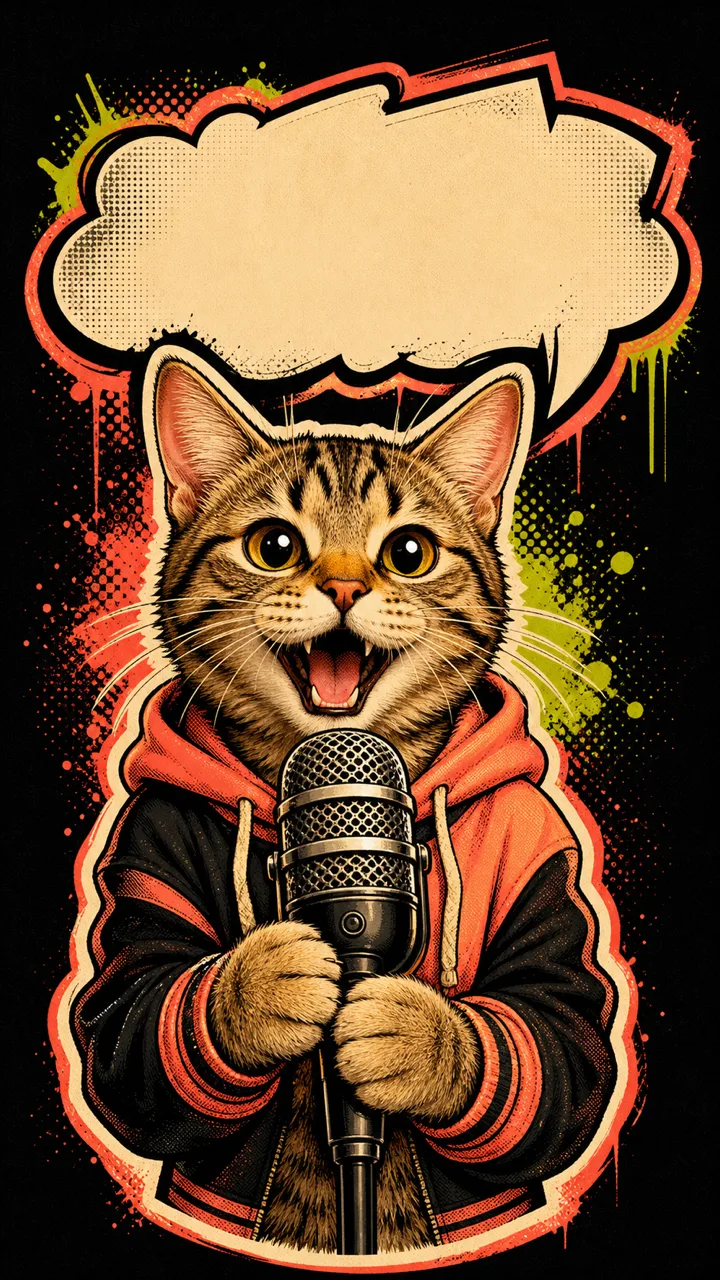
"Talking pet" videos are everywhere on social feeds, and the phrase covers a wide range of actual techniques — some tools dub a real human voice over a pet's mouth movements using audio lip-sync, others just add expressive motion and let a caption or overlaid text carry the "talking" idea. EZ Reels' Talking Pet effect is the second kind: it generates expressive, reaction-style animation from a still photo of your pet — deadpan commentary energy, an animated reaction face, stage-ready presence — without synchronizing any real audio or cloning a voice.
We're calling this out explicitly because it's easy for "talking pet ai" pages to blur the line and imply full audio lip-sync when the underlying tool doesn't actually do that. If you're specifically looking for a tool that dubs real speech onto your pet's mouth movements with accurate lip-sync timing, that isn't what this effect does today — and we'd rather tell you that upfront than let the name oversell the result.
The two templates built for this
Talking Pet is built around commentary/reaction-style motion — the kind of clip where your pet looks like it's reacting to something with attitude, timing, and expression, well-suited to overlaying your own caption or joke text afterward. Singing Stage is the performance-oriented sibling — spotlight framing, stage presence, a show-stopping pose — useful if the vibe you're after is more "star of the show" than "deadpan commentator." Both live in the same workbench alongside the other six signature templates. The editor shows the supported image-to-video settings and their exact credit costs before you generate.
Getting an expressive result from your photo
Facial detail matters more for this effect than for some of EZ Reels' other templates, because the generated motion leans on your pet's actual expression and face shape to look convincing. A front-facing, well-lit, unobstructed shot of your pet's face — ears visible, eyes open, minimal motion blur — consistently produces more expressive, more convincing results than a profile shot, a photo taken from far away, or one where your pet's face is partially turned away from the camera.
If your first attempt feels flat or doesn't capture your pet's personality, trying a different photo (rather than regenerating the same one) is usually the more effective fix — small differences in angle, lighting, and expression in the source photo can noticeably change how expressive the final motion looks.
Free to try, honest about what it isn't
Like every other EZ Reels tool, Talking Pet is free to try as a guest — no account, no card, and a one-time 450-credit welcome allowance with a small watermark on the result. What it deliberately does not claim is real audio-synced speech: there's no voice cloning, no dubbed dialogue track, and no mouth-movement-to-audio synchronization happening under the hood. If that specific capability ever becomes something we can reliably deliver, we'll update this page to say so clearly rather than let the current expressive-motion effect quietly imply more than it does.
Where a talking-pet clip actually gets used
Most people reaching for a "talking pet" effect aren't trying to produce a polished dub — they want a short, punchy clip that reads as a reaction to something, usually paired with their own caption or a trending audio track added afterward in whatever app they're posting to. That's exactly the gap the Talking Pet template is built to fill: expressive motion and timing that looks like it's "responding" to a moment, without EZ Reels needing to generate or own the audio itself. Because the clip has no baked-in dialogue or soundtrack, it also stays flexible — you can drop it into TikTok, Reels, or Shorts and layer whatever sound, caption, or meme text fits the platform you're posting to, rather than being locked into whatever voice or track a lip-synced tool would have burned into the file.
This is also why we don't frame Talking Pet as a dubbing tool in the first place. A genuine audio lip-sync product needs to solve voice selection, timing accuracy against mouth movement, and (for a commercial product) real audio licensing — three separate hard problems that go well beyond generating expressive motion from a photo. EZ Reels' current focus is making the visual side of a "talking pet" clip as convincing and easy as possible; pairing it with real dubbed audio is a different, harder product that we're not going to claim we've already solved.
Comparing this to the wider "talking pet" space
Search results for "talking pet ai" surface a mix of tools: some genuinely do audio lip-sync (usually as a paid, higher-friction feature), others generate expressive animation like EZ Reels does, and a few just apply a static meme caption over an unmodified photo with no real motion at all. If you specifically need synced dialogue for something like a voiceover project, a dedicated lip-sync tool built for that purpose will serve you better than EZ Reels today. If what you actually want is a fast, free, expressive pet clip to post — with your own caption or a trending sound layered on top afterward — Talking Pet and Singing Stage are built for exactly that, and they're honest about not being the first kind of tool.
Frequently asked questions
Does this make my pet actually talk with real audio?
What does the Talking Pet effect actually generate?
Which template should I use for a 'talking pet' style video?
Is it free to try?
What kind of photo works best for this effect?
Will real lip-sync be added later?
Explore more
Image to Video
The flagship generator with the full workbench and all 8 signature templates.
Photo to Video AI Free
The zero-cost angle on turning one photo into a shareable video.
Animate Photo
Bring any still photo to life — pets, people, products, or art.
Free Image to Video
A closer look at exactly how the free credit system works.
Text to Video
What's live today and what's coming soon for prompt-only generation.
All Image to Video Tools
See every EZ Reels tool in one place and pick the right one for your use case.